Anton turns a plain-English sentence into a real, deployable app - a database, an API, a front-end, and a live URL. You describe it; it ships it, in front of you.
1
Name it and describe itA short name, then a sentence or two on what the app should do.
2
Set who and howRight on the form, choose who can access it, how people sign in, and the look & feel - no separate step.
3
Open your live appPress Create app and you get a shareable URL in minutes. Free to start, no subscription.
See it happen
Watch Anton build, live
This is the real thing, sped up - Anton wires the database, API and front-end, then ships a working preview. Pick an app and watch it come together.
northwind.softeria.app
Building…
Anton
A SaaS dashboard with revenue, active users and a weekly usage chart.
Planneddata-model.ts
Generated4 screens
BuiltUsageChart.tsx
Wiredauth + roles
Running build…
Good evening, Ada Here’s this week.
AL
Revenue
$48.2k
▲ 12%
Active
1,204
▲ 8%
Churn
1.8%
▼ 0.3%
Weekly usagesessions
Recent signupsPlan
JBJonas BergPro
MRMaria RuizFree
Watch it build:
Build anything
One prompt away from a real product
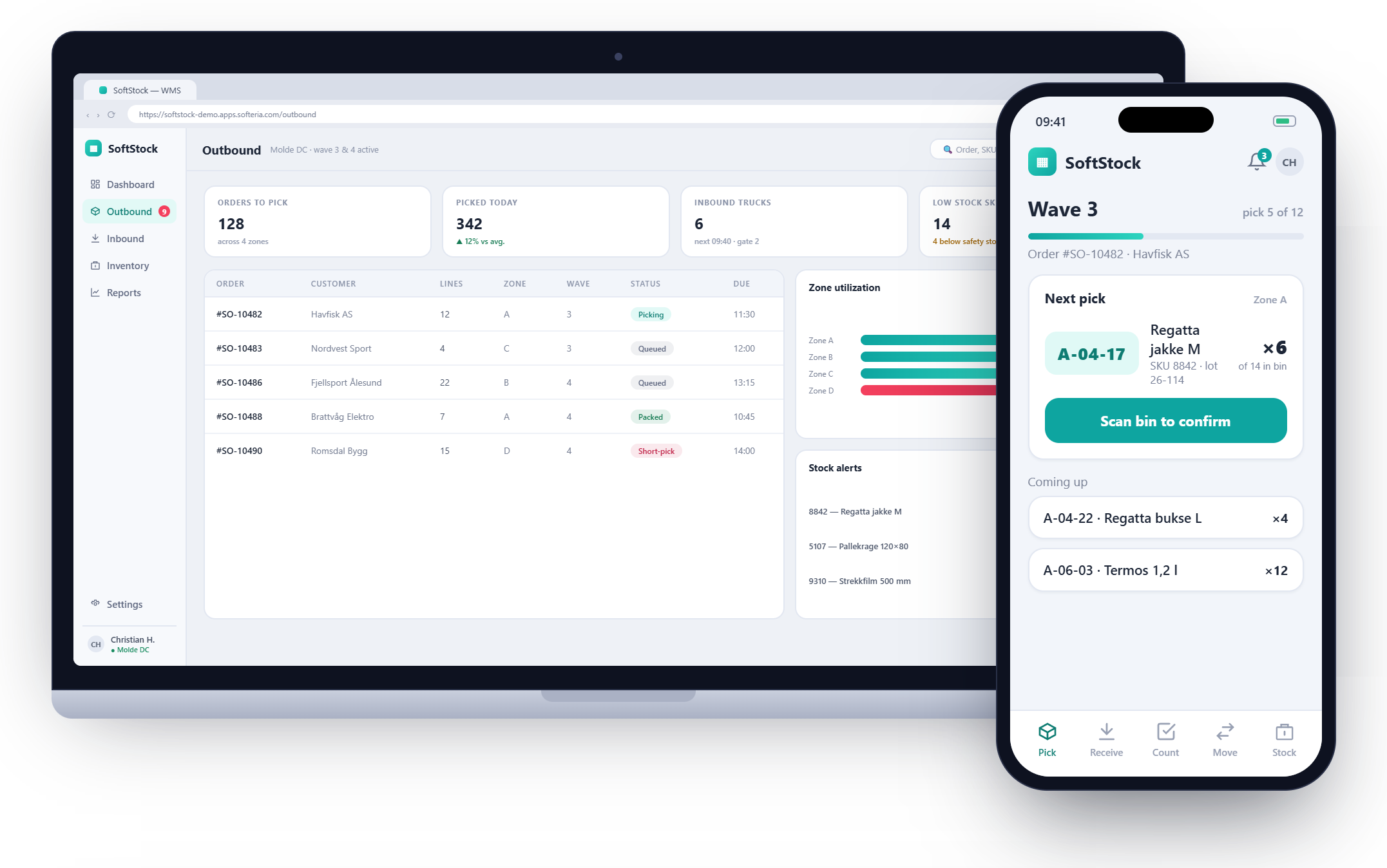
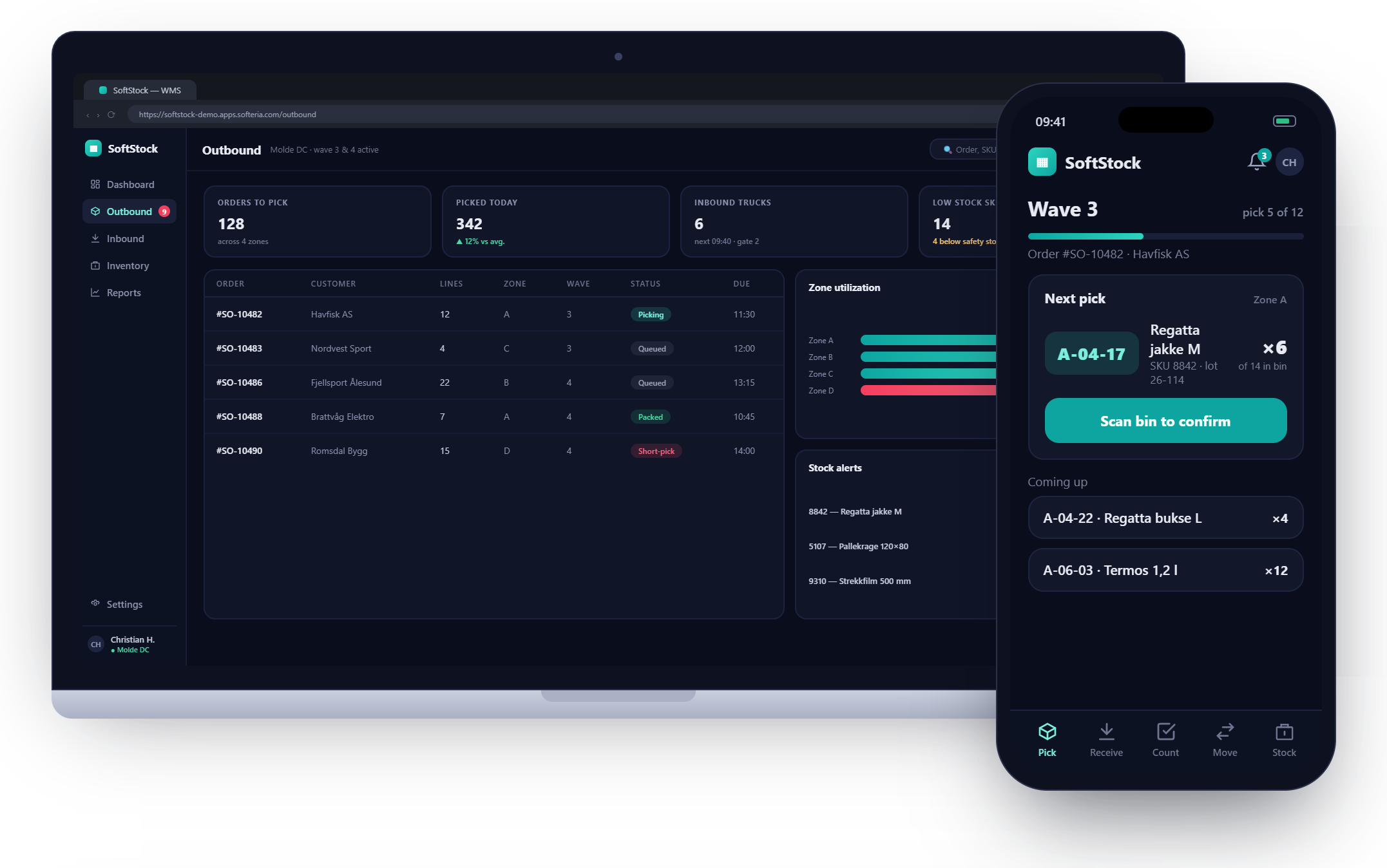
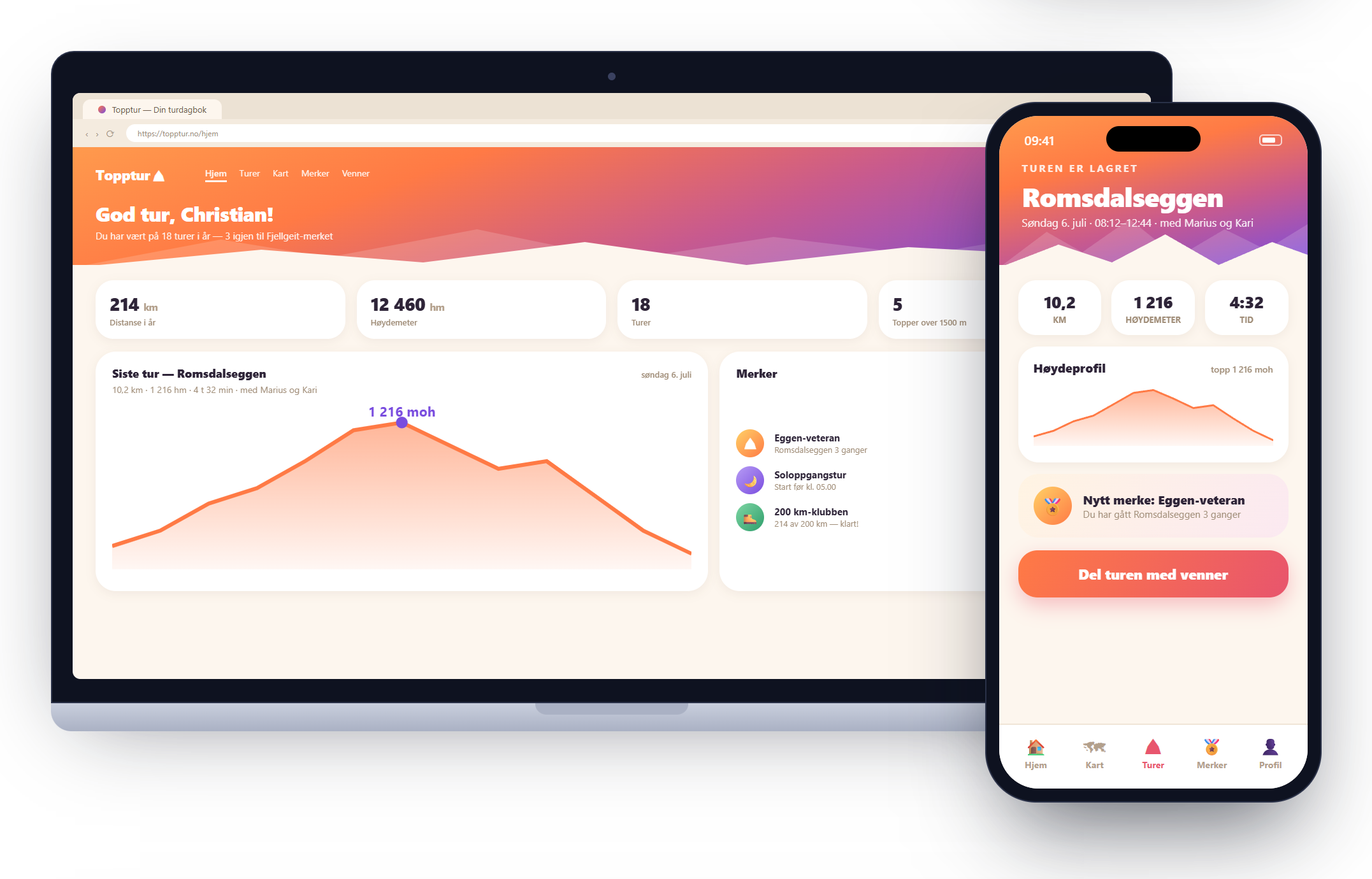
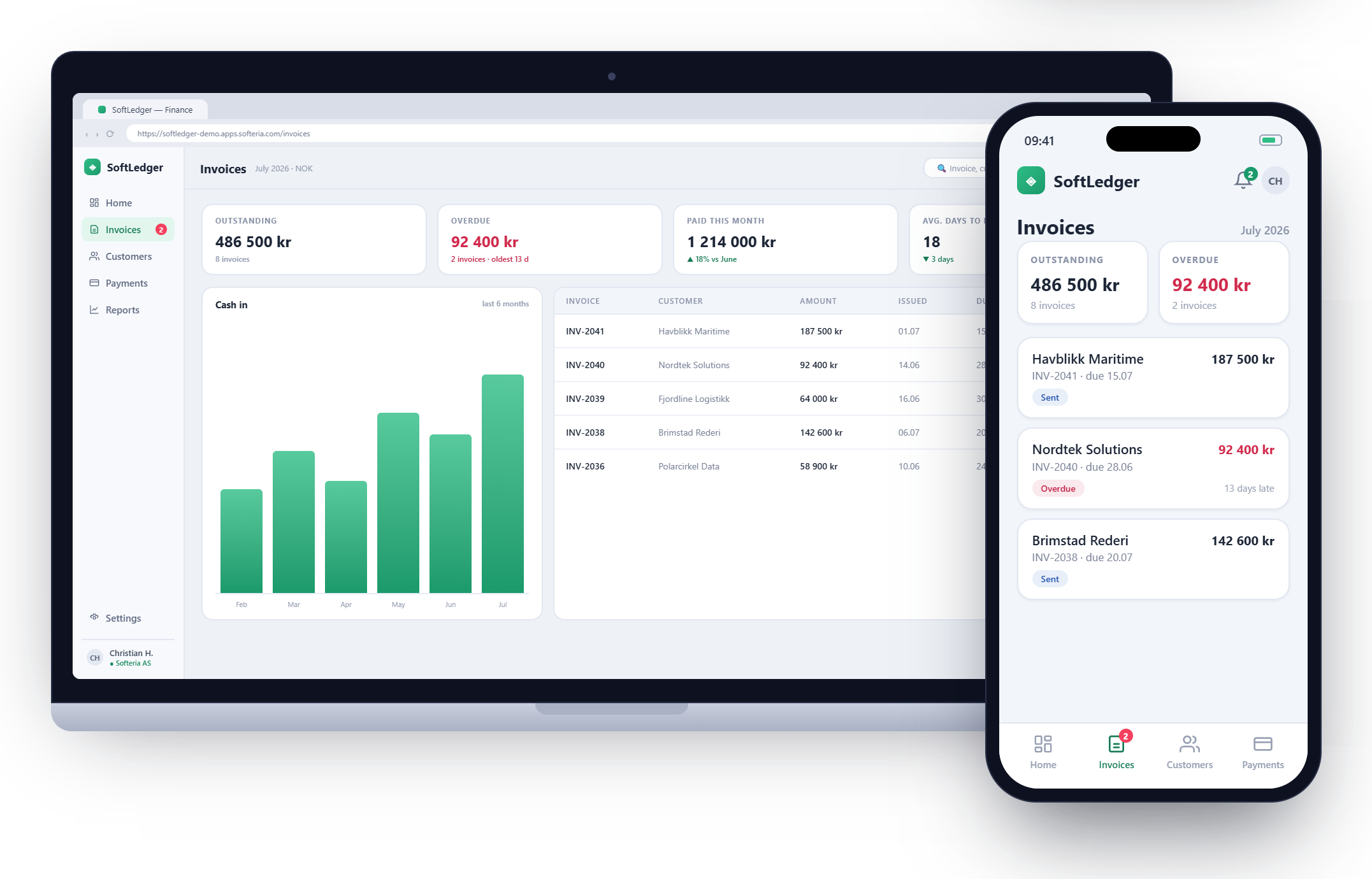
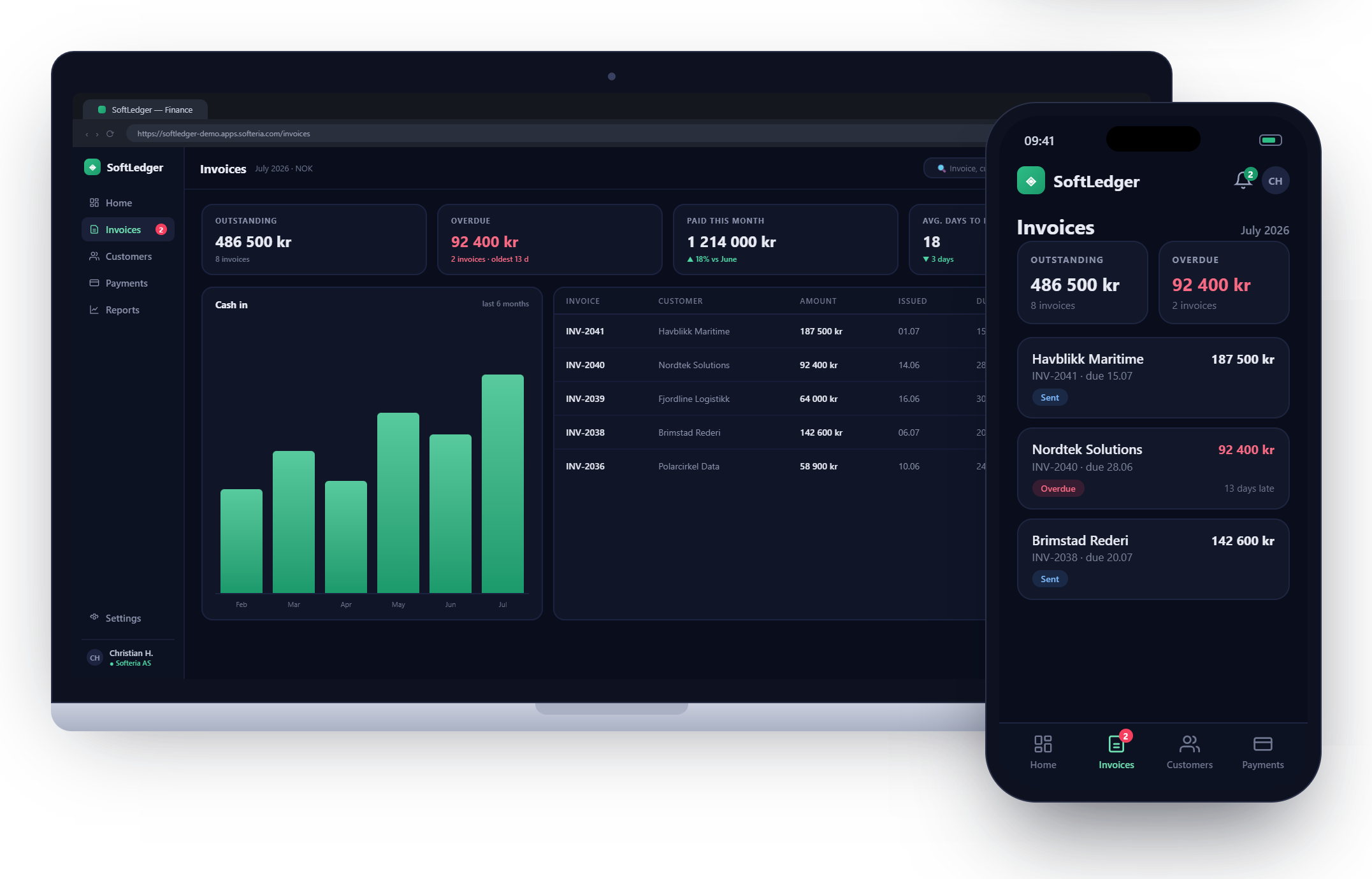
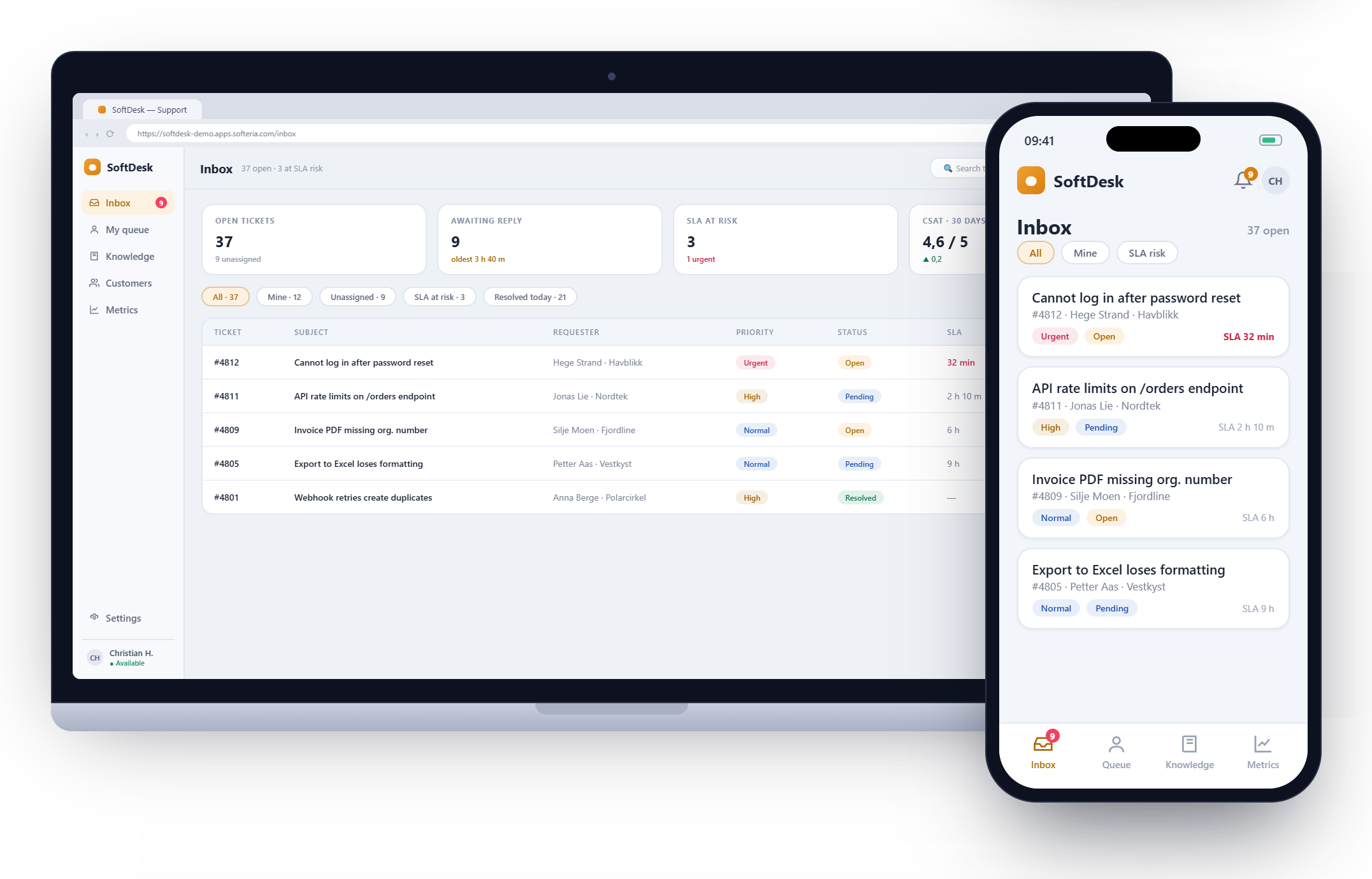
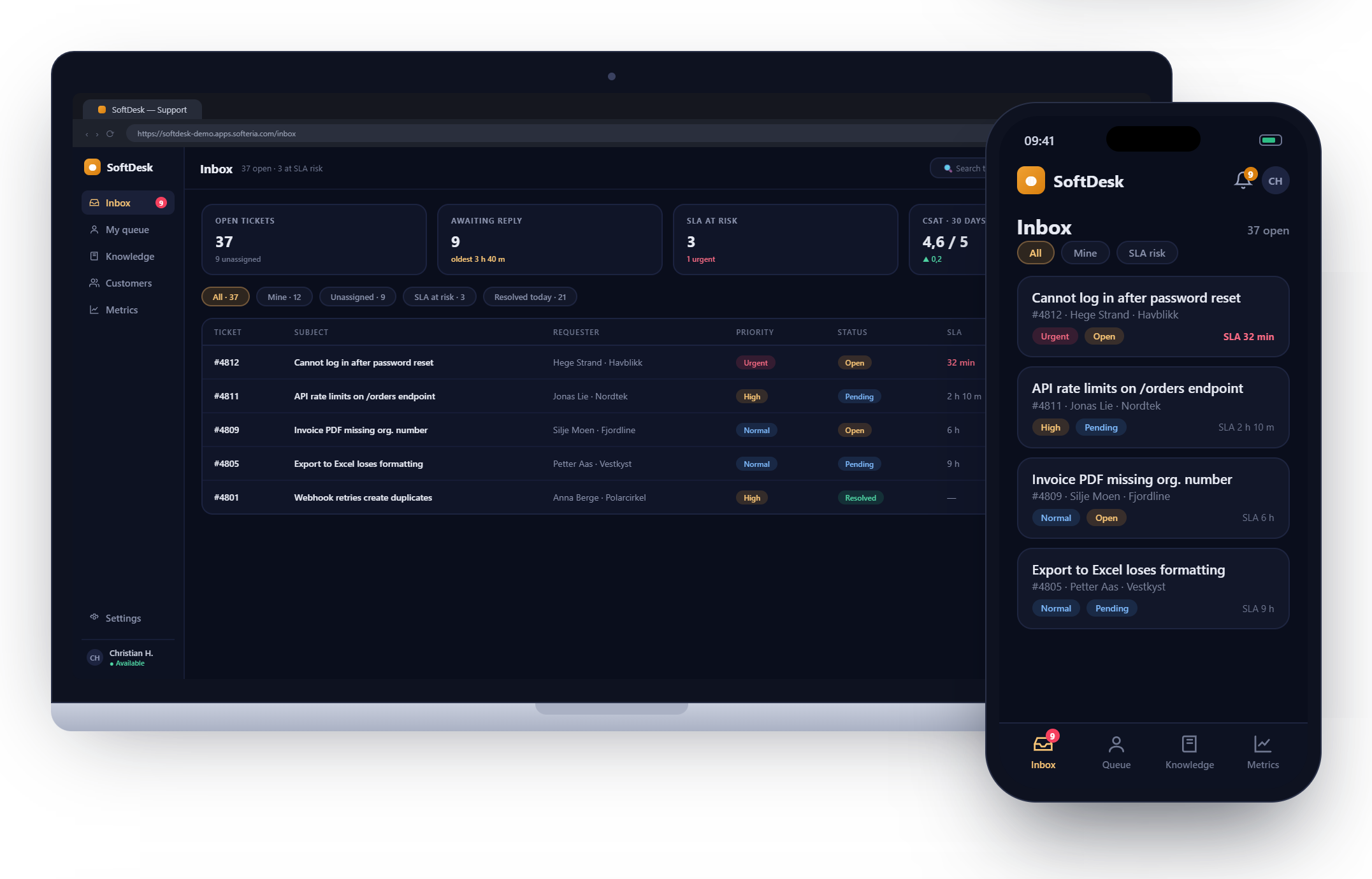
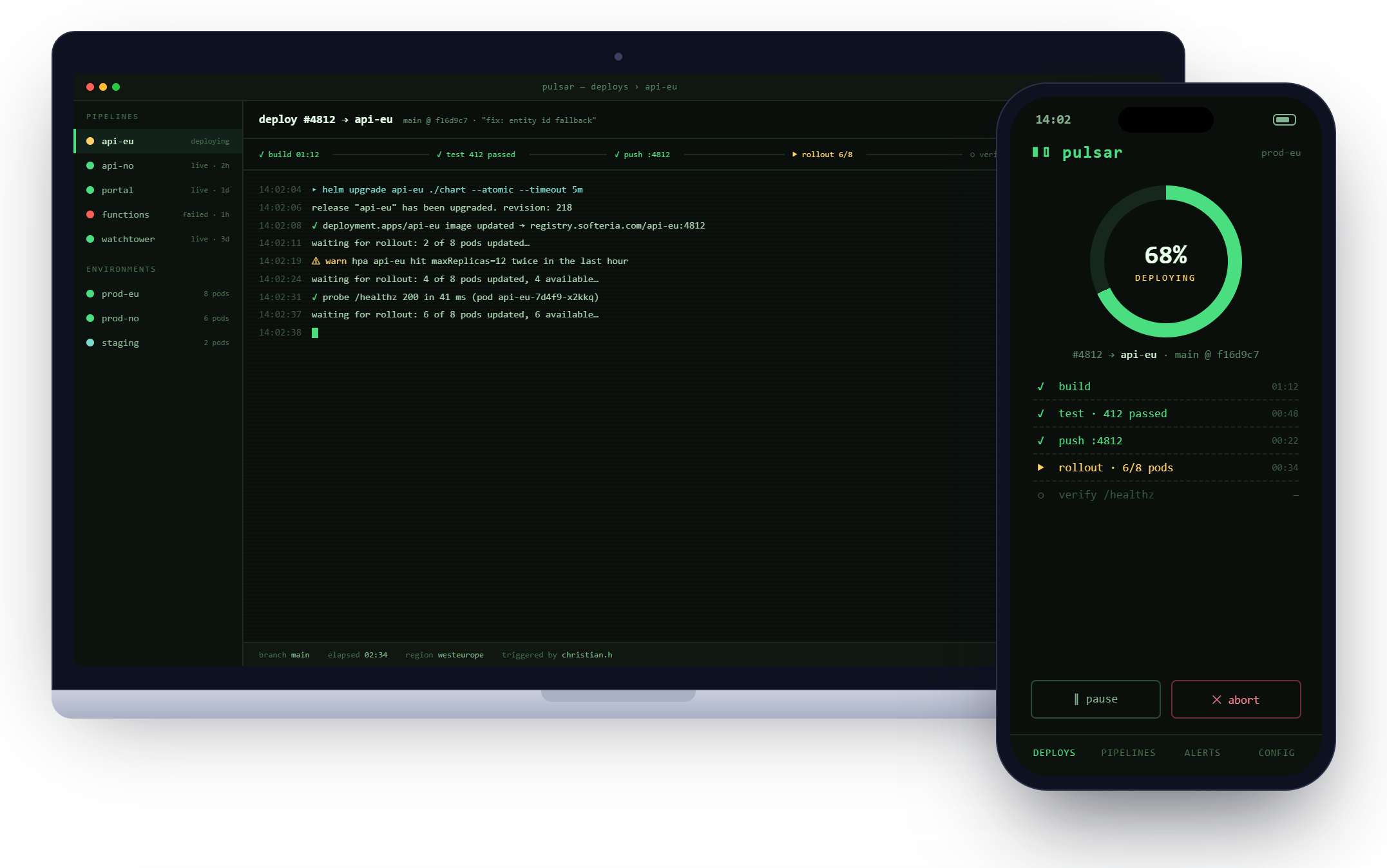
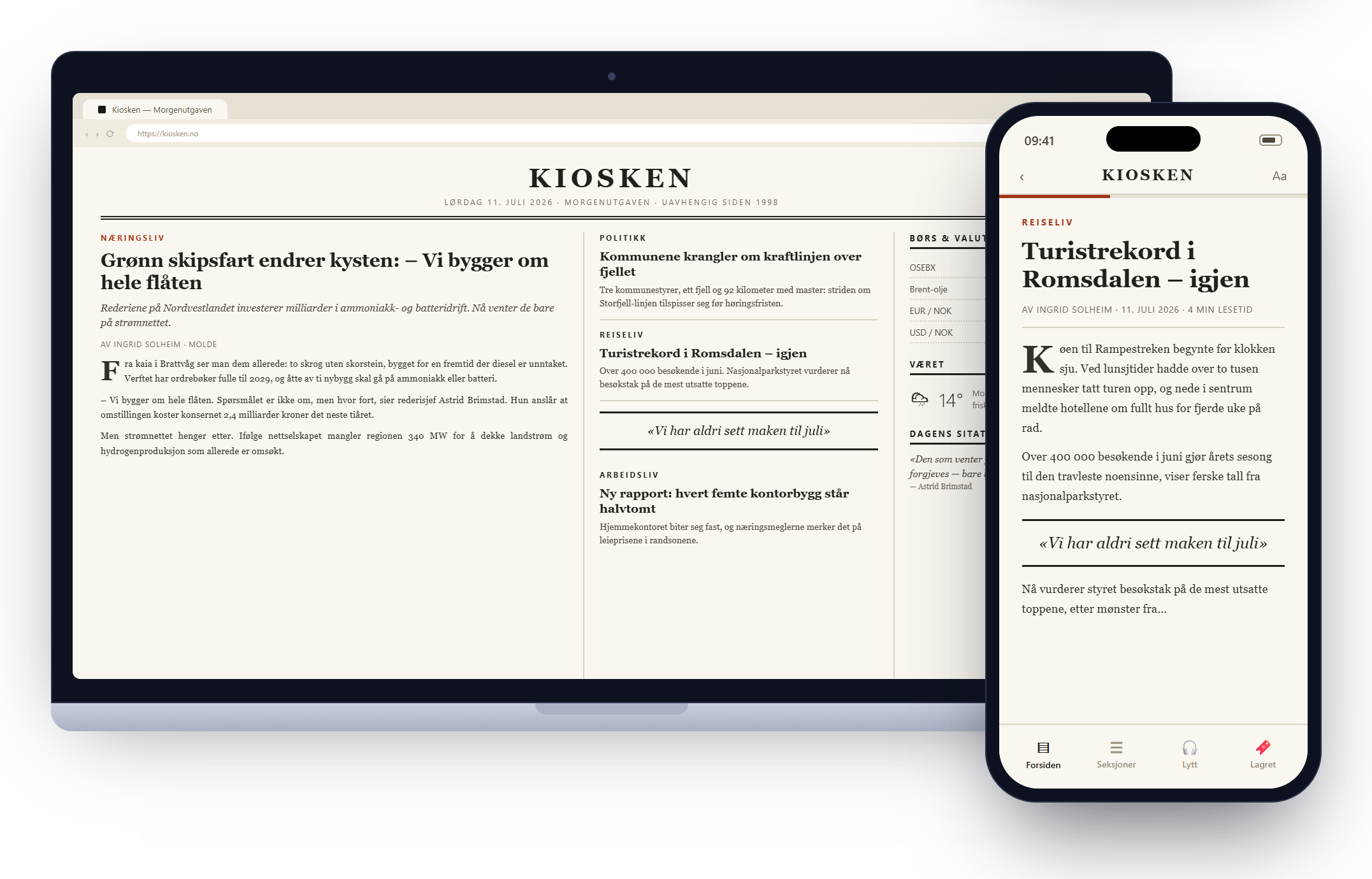
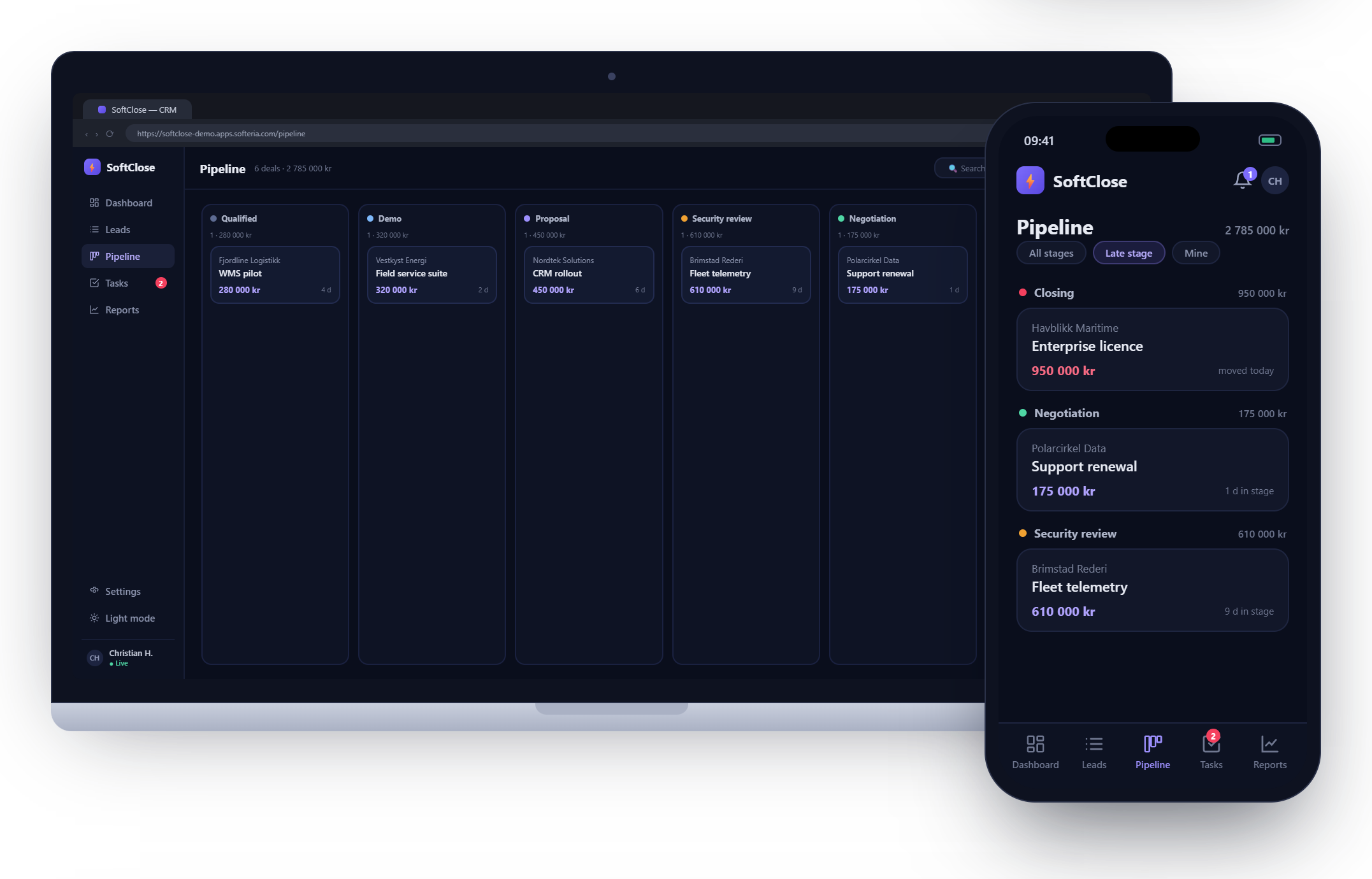
A warehouse control room, an invoicing suite, a support desk, a newspaper, a deploy console, a hiking tracker - every screen below is a real app. Each ships with a working database, sign-in and hosting. No boilerplate, no setup.
SoftStockWarehouse operations
ToppturHiking tracker
SoftLedgerInvoicing & finance
SoftDeskCustomer support
PulsarDeploy console
KioskenDigital newspaper
SoftCloseSales CRM
Use cases
Build anything you can describe
One sentence is a spec. Anton has shipped everything from control rooms to two-sided marketplaces.
Pick one to load its prompt into the box above.
How it works
From a sentence to production, in three moves
1
Describe it
Write what you want in plain English - the data, the screens, the rules.
2
Anton builds it
It plans, writes and wires real screens and a backend - streaming the work as a live preview.
3
Ship it
Deploy to a secure hosted URL in one click. Custom domains and auth come built in.
Real backendDatabase + API, wired for you
One clickDeploy to a live URL
Auth built inSign-in, roles, access rules
ZeroLines of boilerplate
Frequently asked questions
Everything you need to know about getting started
What is Softeria Studio?
Softeria Studio is an AI app builder that turns plain-English ideas into production-ready web apps - complete with a database, API, front-end, and a live URL. You describe what you want and Anton, the AI assistant, builds and updates the app with you.
Who is Softeria Studio for?
Softeria Studio is for founders, teams, and creators who want to move fast - from non-technical people validating an idea to developers who want a running head start. You can start in demo mode without signing up.
Do I need to code?
No. You describe your app in plain language and Softeria Studio generates the front-end and wires it to a RestAPI.com backend. No coding is required to build, preview, or deploy your app.
What does each app include?
Every Softeria Studio app comes with a database, a REST API, a generated front-end, and a live URL - backed by RestAPI.com infrastructure, so you never have to set up servers or hosting yourself.
How is Softeria Studio different from no-code or other AI app builders?
Softeria Studio generates real, production-ready code on a managed RestAPI.com backend instead of locking you into a closed no-code platform. You get a full-stack app - database, API, and front-end - and developers can extend it with custom code whenever they need to.
Can developers extend a Softeria Studio app?
Yes. Softeria Studio produces real front-end code and a standard REST API, and developers can extend the backend with server-side functions on RestAPI.com - so you are never boxed in.
Do I need to sign up to build an app?
No. You can start building immediately in demo mode without an account. Create a free account when you want to keep your app permanently and edit it from any device.
What will you build?
Start with a sentence. Have something real - and deployed - in minutes.
'/%3e%3crect%20width='96'%20height='96'%20rx='21'%20fill='url(%23glow)'/%3e%3cg%20transform='translate(8.6,18)%20scale(0.82)'%3e%3cpath%20fill='%23FEFFFE'%20fill-rule='evenodd'%20d='M18%204H78Q88%204%2088%2014V42Q88%2052%2078%2052H38L22.2%2066.8Q20%2068.8%2020%2065.8V52H18Q8%2052%208%2042V14Q8%204%2018%204ZM20.2%2011.6Q15.6%2011.6%2015.6%2016.2V39.8Q15.6%2044.4%2020.2%2044.4H75.8Q80.4%2044.4%2080.4%2039.8V16.2Q80.4%2011.6%2075.8%2011.6H20.2Z'/%3e%3crect%20x='23'%20y='19'%20width='21'%20height='6.4'%20rx='3.2'%20fill='%232FC4D8'/%3e%3crect%20x='23'%20y='29.4'%20width='13.5'%20height='6.4'%20rx='3.2'%20fill='%23FEFFFE'%20opacity='.45'/%3e%3c/g%3e%3c/svg%3e)

,%20plus%20a%20speech%20tail%20and%20app%20content.%20Filled%20style%20matches%20the%20wordmark.%20--%3e%3cpath%20fill='%23FEFFFE'%20fill-rule='evenodd'%20d='M18%204H78Q88%204%2088%2014V42Q88%2052%2078%2052H38L22.2%2066.8Q20%2068.8%2020%2065.8V52H18Q8%2052%208%2042V14Q8%204%2018%204ZM20.2%2011.6Q15.6%2011.6%2015.6%2016.2V39.8Q15.6%2044.4%2020.2%2044.4H75.8Q80.4%2044.4%2080.4%2039.8V16.2Q80.4%2011.6%2075.8%2011.6H20.2Z'/%3e%3crect%20x='23'%20y='19'%20width='21'%20height='6.4'%20rx='3.2'%20fill='%232FC4D8'/%3e%3crect%20x='23'%20y='29.4'%20width='13.5'%20height='6.4'%20rx='3.2'%20fill='%23FEFFFE'%20opacity='.45'/%3e%3c/svg%3e)